

End manual lottery audits.
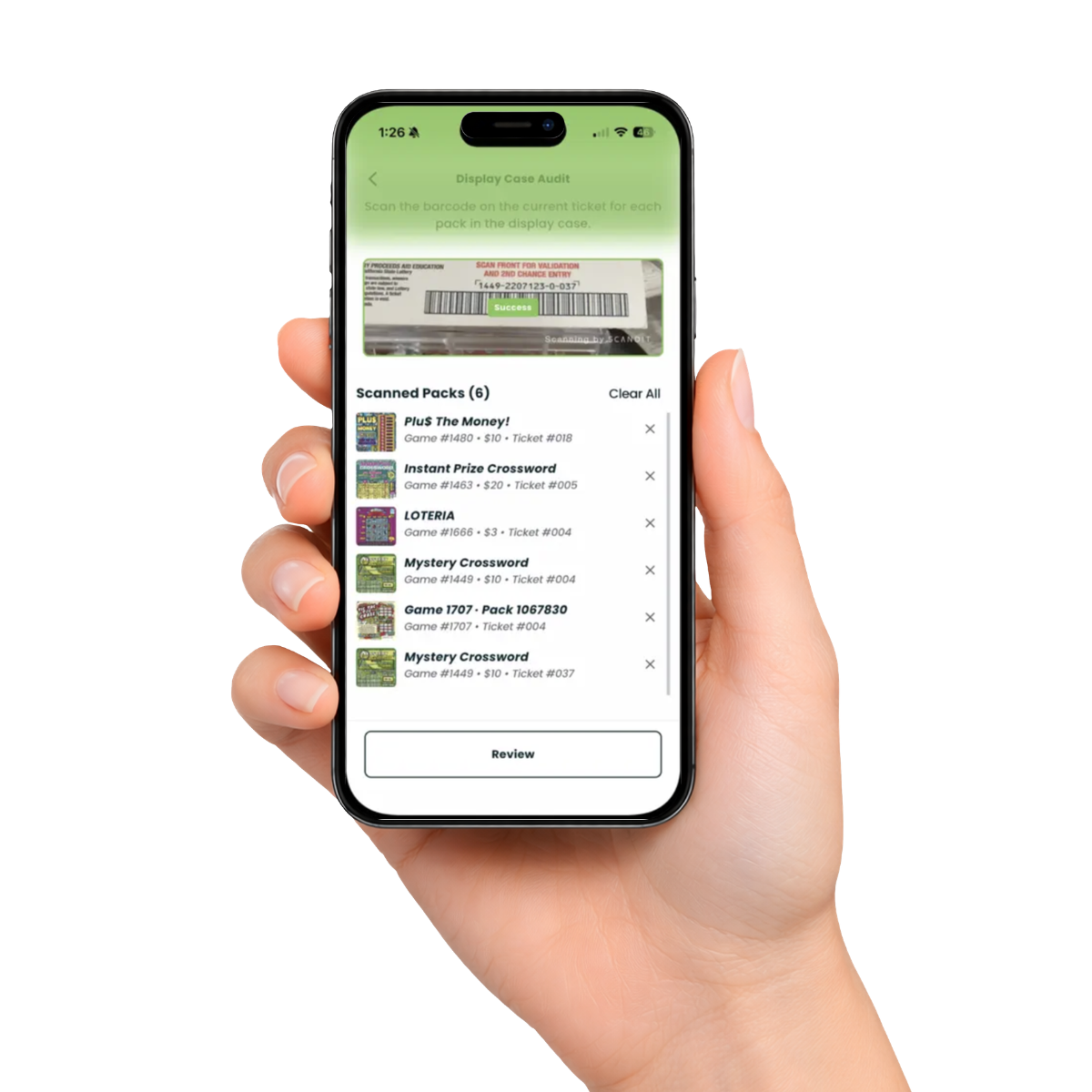
Lotty helps convenience stores scan display cases, track ticket movement, and compare activity against POS sales or cashbox totals.
Benefits
Faster audits
Scan each pack instead of writing down ticket numbers by hand.
Clear movement
See how many tickets moved between one audit and the next.
Dollar-value visibility
Turn ticket movement into a movement value your team can check.
Shift accountability
Audit at open, close, or shift changes to see when ticket movement happened.
Easier reconciliation
Compare movement value against POS lottery sales or cashbox totals.
Fewer manual mistakes
Reduce errors from handwritten ticket numbers and mental math.
How Lotty Works
Scan packs, review movement, and compare totals.
- 1
Start an audit
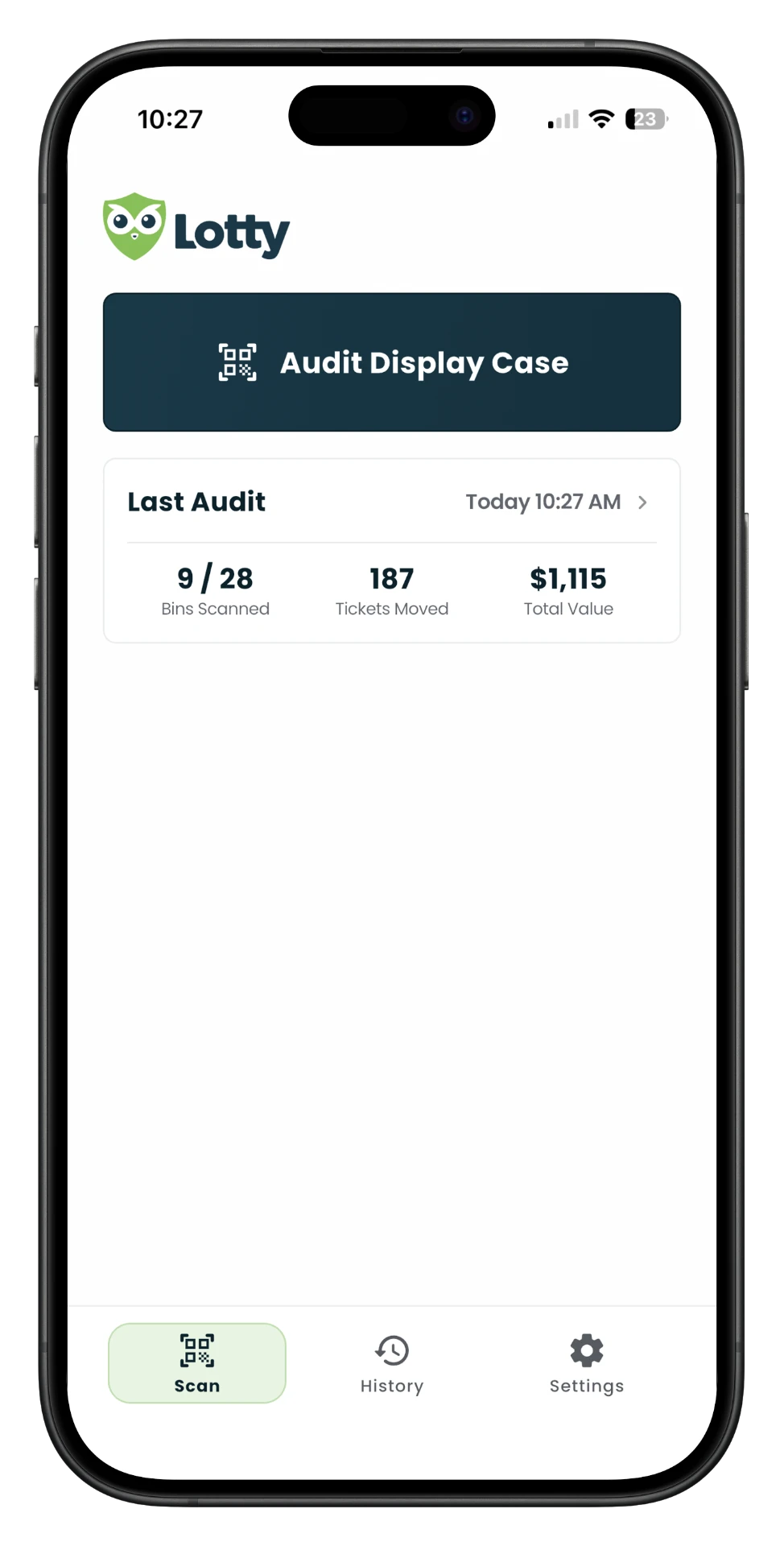
Tap Audit Display Case.
- 2
Scan every pack
Scan the current ticket barcode for each pack in the display case.
- 3
Review the audit
Missed a pack? Continue scanning before you submit.
- 4
Submit and compare
Compare Movement and Movement Value to POS sales or cashbox totals.
Start an audit
Tap Audit Display Case.
FAQ
Does Lotty replace my POS system?
No. Lotty is a standalone tool for tracking lottery tickets in your display case. It does not replace or connect to your point-of-sale system.
Do I need any new hardware?
No. Lotty runs on your existing smartphone, so no additional scanning equipment or hardware is required.
What happens if something doesn't match during an audit?
Lotty shows you when an expected pack wasn't scanned so you can double-check the display case before submitting. Even if you submit the audit without that pack, Lotty will recognize it as recovered if it is scanned in a future audit and update the audit history accordingly.
Is Lotty really free?
Yes. The free version of Lotty supports one store, one device, and one primary user at no cost.
Can I use Lotty for inventory outside the display case?
Not in the free version. Lotty is currently focused on display case tracking and audits. Additional inventory features may be available in future versions.
How do I export my data?
You can export your audit history as either a CSV or PDF directly from the app.